


Explore the Gemini model family for related model guides and workflows.
Gemini 4 is a Google model family that includes Argon and Carbon. The useful starting question is what you need to produce: a source-backed report, a software change, a structured extraction, or another artifact that can be checked. Choose a model and an application around that result.
This guide explains the family at a practical level and shows how to set up a first evaluation. It separates provider specifications from the features a particular application exposes. It also connects the model overview with focused guides for pricing, research, document analysis, and coding. No workflow example below is presented as a completed benchmark.
Provider specifications
| Property | Gemini 4 Carbon | Gemini 4 Argon |
|---|---|---|
| API model code | gemini-4-carbon | gemini-4-argon |
| Unified input/output context | 1,048,576 tokens | 1,048,576 tokens |
| Default synchronous maximum output | 65,536 tokens | 65,536 tokens |
| Long decode | Up to 1,048,576 tokens; conditions apply | Up to 1,048,576 tokens; conditions apply |
| Inputs | Text, image, video, audio, PDF | Text, image, video, audio, PDF |
| Output | Text | Text |
Provider facts checked November 11, 2026. See Carbon specifications and Argon specifications. Application limits may differ.
Understand the role of Argon and Carbon
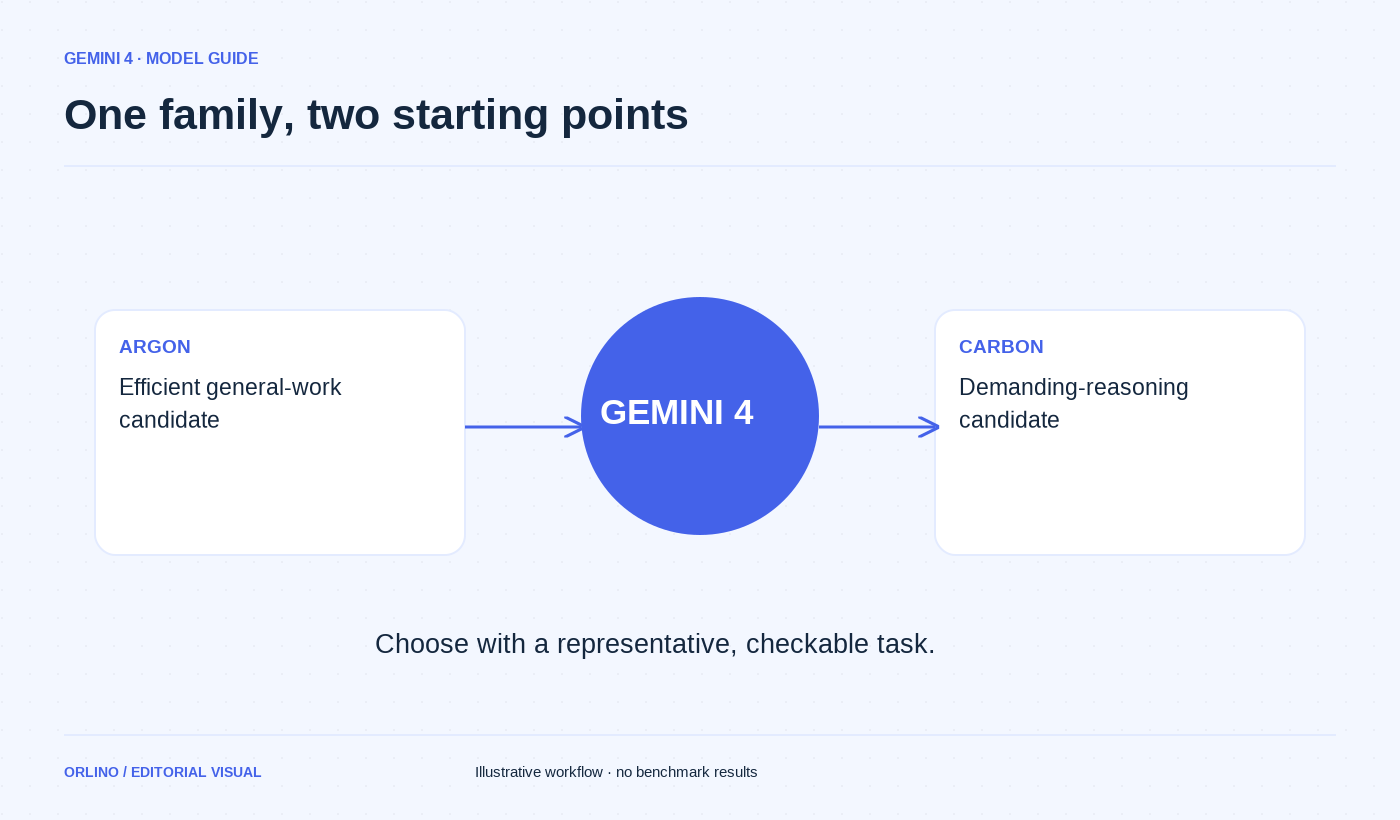
Google describes Argon as its more efficient Gemini 4 reasoning model and Carbon as a choice for especially demanding reasoning and technical work. These descriptions help identify candidates for a trial; they do not determine which model will complete your particular assignment with the least review.
The model codes are gemini-4-argon and gemini-4-carbon. Record the exact identifier when evaluating API requests. A family name in an interface may hide routing, configuration, or model selection. If the application does not expose the identifier, preserve that uncertainty in your comparison rather than assuming you know which underlying model produced a response.
For a direct decision between them, the Carbon vs Argon comparison focuses on task fit, evaluation conditions, and complete workflow cost. This overview instead explains how to assemble the model, environment, inputs, and acceptance checks into a usable setup.
Distinguish the model from the application
A model processes supported inputs and produces outputs under a provider’s interface. An application adds file handling, search, tool execution, account controls, and a user experience. Those layers can materially change what the user can accomplish even when the model family is the same.
For example, a model may support PDF input while an application places a smaller limit on uploaded files. A model may support tools while the current session has no browser or code execution enabled. Check the actual environment before promising that a workflow can retrieve a document, execute a script, or save a finished spreadsheet.
Keep account access separate from documentation availability. A public reference page is evidence about a provider capability, not evidence that every account or third-party product has enabled it. In Orlino, inspect the models and tools currently available in your account before planning a task around a specific integration.
Prepare inputs around the job to be done
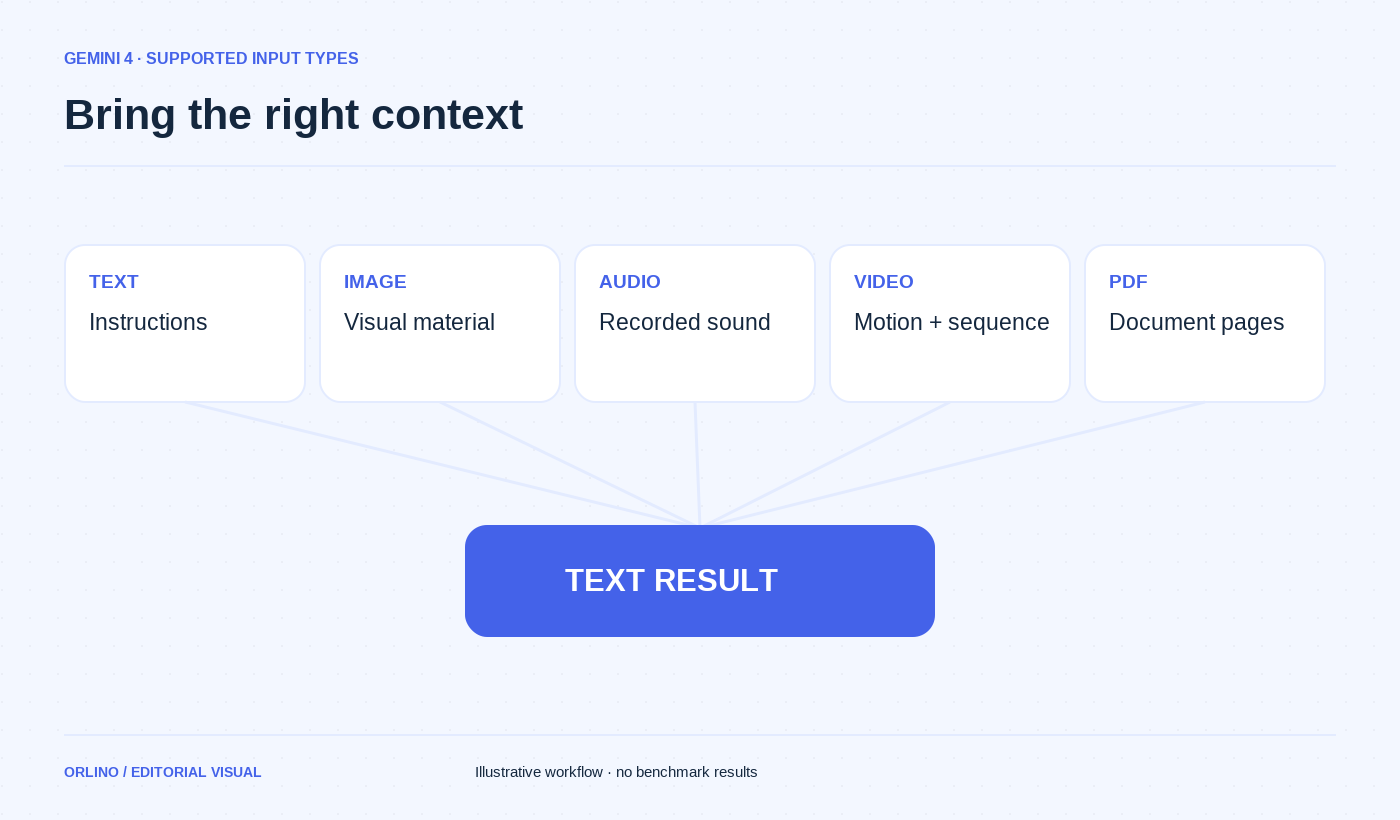
Both model references list text, image, video, audio, and PDF inputs with text output. The supported modality tells you what kind of material can enter the workflow; it does not guarantee that every detail will be interpreted correctly. Dense tables, ambiguous audio, or low-resolution screenshots still require inspection.
Use an input inventory to make the task reproducible. Name each file, explain its role, and identify the version or date that matters. If the assignment uses several documents, distinguish the authoritative policy from supporting examples. If it uses a repository, provide the relevant environment and the command used to reproduce the issue.
A compact task packet is often easier to assess than an undifferentiated archive. Include the information needed to answer the question and keep a record of omitted material that might affect the conclusion. You can add more context when a concrete dependency appears, rather than asking the model to infer which of hundreds of files matters most.
Treat context and output limits carefully
The official references describe a unified input and output context limit of 1,048,576 tokens. The default synchronous maximum output is 65,536 tokens, with larger output available through long decode under its applicable conditions. Check the current Carbon reference and Argon reference before implementing around those limits.
A large context window is capacity, rather than a requirement to fill it. More input can increase cost and review complexity without improving the answer. Preserve structure with file names, section boundaries, and explicit priorities so that the model can connect a claim with its supporting material.
Output length should follow the deliverable. A structured extraction may need a concise table. A migration proposal may need a detailed explanation and a patch. Asking for the longest possible answer can obscure the decision and create unnecessary work for the reviewer. Specify the fields or sections that make the result useful.
Choose a first task with a visible result
Select a task that is representative, bounded, and independently checkable. For a research trial, ask a question that can be answered from a small set of authoritative documents. For a coding trial, use a reproducible issue with a known acceptance condition. For document analysis, choose a PDF with tables and footnotes you can inspect manually.
Define the check before generating the answer. A research report might require a source location for each consequential claim. A coding task might require a passing boundary-case test and a small patch. A document extraction might require totals that reconcile to the original table. These checks make a useful output more concrete than a subjective impression of fluency.
Avoid changing the task after seeing a weak result unless you record the change. Improving the prompt is a valid part of workflow development, but a comparison becomes misleading if one model receives several rounds of tailored assistance while another receives only the initial prompt.
Use a short setup brief
A setup brief should tell the model what decision it supports and what evidence counts. Include output structure and boundaries, especially when the environment can modify files or call external tools. Keep instructions consistent with the capabilities actually enabled in the session.
Goal: produce a reviewable answer to the stated question.
Inputs: use the attached inventory and preserve document labels.
Evidence: attach a location to consequential factual claims.
Uncertainty: distinguish missing information from conflicting evidence.
Output: recommendation, supporting table, limitations, next action.
Tools: use only the capabilities available and authorized here.
Do not describe an unexecuted action as completed.
The brief is a starting structure, not a universal prompt that guarantees quality. Adjust the evidence requirement to the task. A code review needs failure paths and file locations; a purchasing comparison needs current terms and conditions; a policy summary needs version-aware document references.
Match the workflow to the output
For research, begin with a decision question and a source inventory. Extract claims before writing recommendations, then review conflicts and missing information. The Gemini 4 research workflow develops this process into an evidence table and an updateable report.
For PDF analysis, inspect document quality and page numbering before extraction. Preserve table units and footnote scope, and verify the cells that drive the conclusion. The Gemini 4 PDF analysis guide gives a document-specific checking sequence.
For coding, begin with current behavior, target behavior, and a reproducible environment. Stage changes around compatibility boundaries and retain actual execution evidence. The Gemini 4 code migration guide shows how to build a migration contract and a reversible patch.
Evaluate quality and effort together
A useful trial records the result, material defects, reviewer intervention, elapsed work, and usage where available. The first response is only one step in the workflow. A response that looks complete may require substantial correction, while a shorter answer may be easier to verify and finish.
Use several representative tasks before making a broad model selection. Keep their differences visible. A model can be effective on structured extraction while requiring more guidance on an ambiguous engineering task. Summarizing both with a single unsupported score hides the conditions that matter to the user.
If comparing Argon and Carbon, keep tools and inputs consistent and record any configuration differences. Provider positioning suggests where to begin, but your accepted outputs establish whether the setup meets your requirements. Report observed results as observations from that trial, rather than a universal ranking.
Understand the cost before scaling
Token price is one part of cost. Input size, output length, reasoning-related usage, repeated context, retries, and tool behavior can change the total bill. A model with the same listed token rate can produce a different task cost if its usage differs.
The Gemini 4 pricing guide includes dated rates and a worked estimate. It distinguishes the introductory pricing period from the scheduled later rate. Use current official terms and actual request usage when preparing a budget, especially for a recurring workflow.
For a pilot, put a budget around a complete task and keep a record of unsuccessful attempts. A request-only estimate can understate the work required to reach an accepted result. Include review time if the model’s purpose is to reduce the effort needed to complete a task.
Maintain a reliable handoff
The final artifact should explain what was produced, what was checked, and what remains unresolved. Include enough information to continue the work without reconstructing the conversation. For a report, retain evidence locations. For code, retain the patch and execution results. For an extraction, retain the schema and exceptions.
Version changes should trigger a focused recheck of the workflows you depend on. Keep a small regression set with representative inputs and explicit acceptance criteria. Update model identifiers and configuration records deliberately so that a later quality change can be investigated.
This approach also helps when switching applications. The preserved task packet and acceptance checks give you something stable to compare while the surrounding interface changes. You can then identify whether a difference comes from model selection, enabled tools, input handling, or another part of the environment.
Conclusion
Start with Gemini 4 by defining an output you can verify, checking the exact model and enabled tools, and running a bounded trial. Use Argon and Carbon as candidates with different provider positioning, then choose from accepted results and complete workflow effort. The focused guides linked here provide the next step for pricing, research, PDF analysis, and code migration.
FAQ
What is Gemini 4?
Gemini 4 is a Google model family that includes Argon and Carbon. Use the exact model code when an API workflow or evaluation needs reproducible configuration.
Which Gemini 4 model should I try first?
Google positions Argon for efficient general work and Carbon for especially demanding reasoning. Choose a representative task and compare accepted results before standardizing a workflow.
Can Gemini 4 read PDFs and images?
The provider references list both among supported inputs. Your application may impose additional upload or processing limits, and important extracted details still need verification.
Does a million-token context guarantee complete understanding?
No. The limit describes capacity under the specified interface. Clear structure, relevant inputs, and evidence checks remain necessary for a useful result.
Is the maximum output always one million tokens?
No. The references distinguish the default synchronous output limit from long decode. Check the relevant mode and its conditions instead of treating the largest documented figure as the default.
Does Orlino provide every Gemini 4 capability?
Check your current Orlino account for the models and tools actually exposed. Provider documentation does not establish the feature set or commercial terms of a separate application.
How should I assess a first trial?
Review the output against predefined checks, record material corrections and usage, and include the effort needed to finish. Keep the trial conditions alongside the result so that the conclusion remains interpretable.