


What happens when you send a message?
An AI chatbot takes your message and produces a response based on the information it can use. In a modern generative chatbot, a language model makes the response rather than pulling every line from a fixed script. That flexibility is why you can request a simple definition, ask for a longer example, and then change the tone in the same conversation.
The product around the model may add other capabilities. Some chatbots can read files you upload. Some can search for current information, generate a picture, or connect to a service. Availability depends on the product, your settings, and the plan or account you are using. An answer that looks current does not prove the chatbot looked something up. Check which tools are active and inspect any sources cited before relying on new information.
The conversation itself is part of the input. If you paste a draft and then say “make the second paragraph friendlier,” the chatbot may be able to use the preceding turn. That convenience is different from long-term memory. If something matters, restate it or include the exact excerpt. You will get a clearer result and spend less time correcting a response based on an older instruction.

Rule-based chatbots and generative AI chatbots
A scripted support bot steers you through an approved set of answers or steps. It may show options like checking an order, returning a product, or contacting support. That structure can be helpful when the company wants a predictable process and the options are known. When the bot says it scheduled a return, the important detail is whether it actually has access to the merchant's system and returned a confirmation.
A generative chatbot is usually better at open-ended language tasks. It can make a confusing sentence clearer, propose ideas, or combine bullet points into a message. It may also work inside a scripted service and explain the steps in plain language. The distinction that matters to you is whether the bot can answer, look something up, or perform an action. Those are separate capabilities.
Imagine asking about a parcel. A store bot with access to your order can retrieve a tracking status. A general chatbot without access can help draft a note to the store or explain a tracking phrase you paste. A general chatbot should never be the source of a tracking number it cannot actually see. Ask what information it needs and verify any claim about your account in the store's actual order history. Once you know what kind of help you need, learn how to ask AI a clearer question to turn the idea into a request you can check.
Three everyday uses
For explanations, give the chatbot the term and the context in which you met it. A phrase such as “pro rata” can refer to different calculations. “Explain what pro rata means on a lease notice and show a simple hypothetical example” helps the model answer the right question. If you paste a line from the notice, remove personal details and ask it to quote the part that supports the explanation.
For a first draft, tell it the reader and the outcome. “Write a short note to a neighbor asking to reschedule a shared repair. Keep it warm and suggest Tuesday or Wednesday.” Review the draft for tone, make sure both dates really work, and add any details the message needs. A quick rewrite can save time without giving the chatbot control of the final message.
For planning, ask for options and a visible trade-off. Say you need to organize a small dinner for people who arrive at different times. Ask for a menu you can serve in stages and a list of decisions you still need to make. Use the response to compare cooking effort, equipment, and timing. Confirm dietary needs with the people attending before choosing the menu.

Give the chatbot information it can use
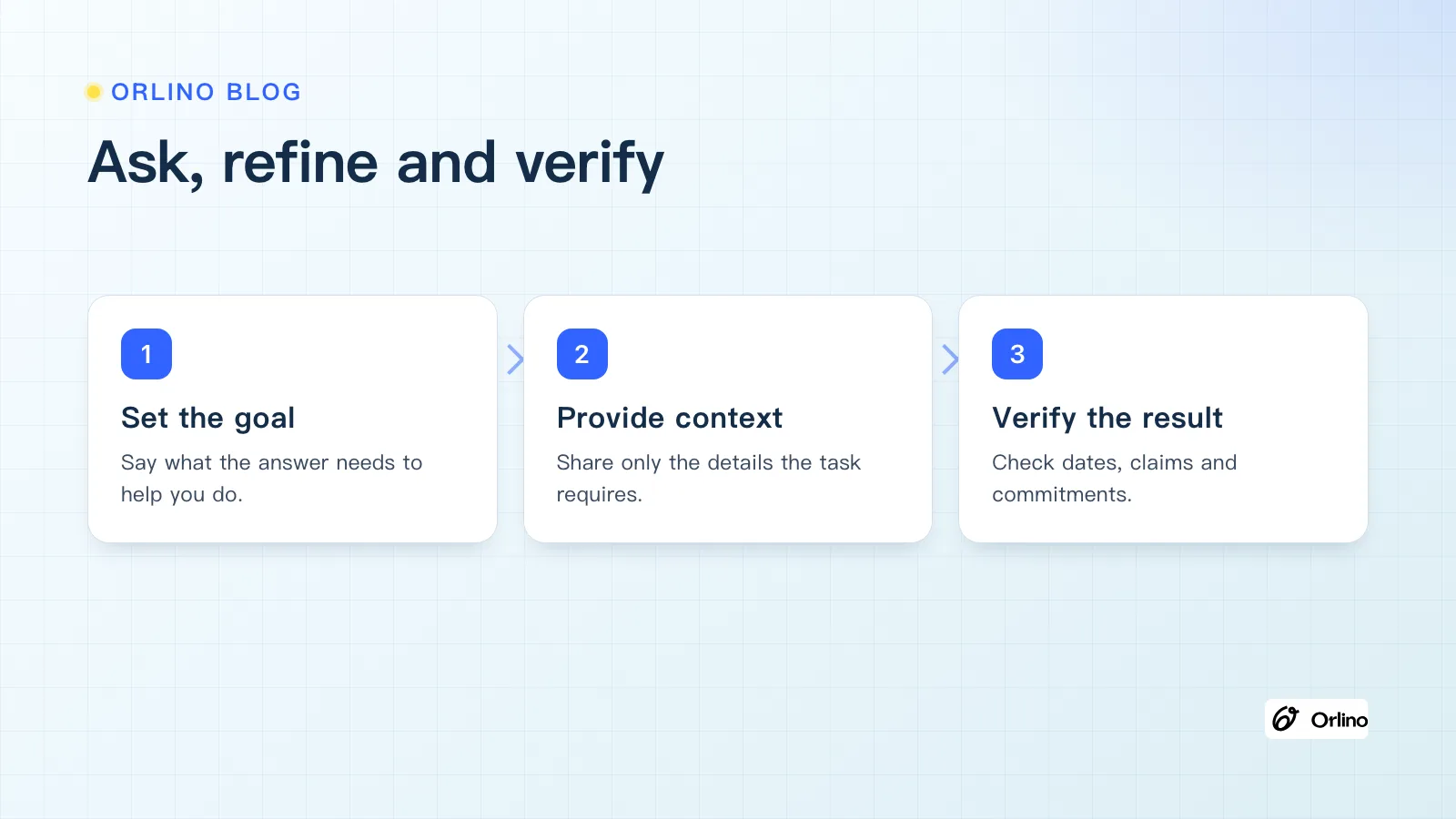
A well-scoped question gives the tool both a job and a boundary. Include the relevant facts, the result you want, and any preference that affects the answer. If you are generating a first draft, say what the reader already knows. If you are asking for a comparison, say which criteria matter most.
Example. Explain the difference between a standard and an expedited order using only the details in the paragraph below. Give me a plain-English answer and one question I should ask before paying. Label any detail your answer cannot confirm.
This works because it ties the answer to material you can inspect. When the chatbot makes a claim, you have something to compare it with. For open-ended work, ask it to distinguish known facts from guesses. An example can be valuable even if its numbers are invented, provided the result clearly signals that those numbers are illustrative.
For a follow-up, change one part of the request. “Keep the three options and describe which one involves the least coordination” is clearer than “Make it better.” If the original reply misunderstood an important detail, correct it explicitly. Start a fresh conversation if the older draft appears to be influencing every revision.
Where a chatbot fits into a workflow
Use the chatbot early, when you are looking for structure or trying to turn a vague thought into an answerable question. Use sources, software, and people with the relevant authority to validate the output. A calendar app can confirm availability. A spreadsheet can recalculate a total. A colleague can confirm whether a written update matches an agreement.
When a real decision depends on a recent rule, an account setting, or a contract, check the source directly. A plausible response is easy to read and still needs verification. For example, if a bot explains a refund policy, compare its wording and deadline with the company's own current page. If you are asking for help with a sensitive document, share only the excerpt you need and follow the applicable rules for that material.
Orlino AI Chat highlights everyday examples including explaining a term, weighing a decision, and rewriting a difficult message. If you have never used an AI chatbot, choose one task you can check easily. Compare the first answer with the result after adding a specific follow-up such as a shorter format or a different audience. That contrast will show you more than an abstract tour of the product. If you are choosing a service for your first trial, compare AI chat sign-in requirements and limits to see how account access can affect the session.
A short conversation from question to usable result
Suppose a volunteer is preparing to share a library event with local families. The volunteer can ask a chatbot to draft a message, then tighten it with follow-ups. The first request might provide only the time, audience, and desired length. The second might ask for language that works for parents reading quickly on their phones. The third can ask the chatbot to list which details still need to be checked.
A useful response could flag the location, reservation requirement, and age range as missing. The volunteer then checks the organizer's notice and enters those details. If the draft says admission has no charge but the organizer never confirmed it, the volunteer removes that sentence. By the end, the chatbot has helped with composition and review, while the organizer's information supports the details.
You can test the same workflow while deciding whether a chatbot suits you. Start with a small message you could write independently. Measure how long it takes to reach an answer you would actually use. Notice whether one follow-up solves the main issue or creates new ones. Keep your accepted version outside the conversation so it is easy to share and revise.
For a second trial, give the chatbot a question you know the answer to. This helps you see how it handles uncertainty and supporting evidence. You may learn that it communicates clearly but needs explicit instructions about which sources to use. That observation is more actionable than a general impression that one reply felt intelligent.
Frequently asked questions
Is a chatbot the same as a search engine?
A search engine returns sources or results from an index. A chatbot produces a conversational answer and may use search if the product supports it. Open important sources yourself.
Can an AI chatbot send a message or book a meeting?
It depends on the available integrations, permissions, and your actions. Look for a real confirmation from the relevant system before treating an action as complete.
How should I start if I am new to AI chat?
Try a straightforward rewrite or explanation. Give it an audience and a length, then compare what changed after one follow-up.
Keep reading
AI Chat Tools Compared by Sign-Up and Message Limits
Compare AI chat tools by message limits, reset windows, attachment caps, and what you can do before and after signing in.
Read article AI ChatHow to Ask AI Better Questions and Check Its Answers
Ask AI better questions using a clear goal, relevant context, options, and a follow-up that checks assumptions before you make a decision.
Read article