


Ask ai · Start with the job the answer needs to do
When you ask AI a question, start with the moment after you read the answer. Are you going to send a message, explain something to a customer, or choose between two options? If the chatbot knows the intended action, it can produce a concrete next step instead of a long overview. For instance, “What should I say to my neighbor?” becomes much more tractable when the goal is to ask for a lower music volume after 10 p.m. while keeping the relationship friendly.
Write the task in one sentence. Add only context that would change the answer. In the neighbor example, useful details might include whether you have spoken before, whether the building already has quiet hours, and whether you want a text message or an in-person opening line. The neighbor's name and address are unnecessary. Removing personal details also makes the prompt easier to reuse with a second tool or share with a colleague.
Give the answer a shape that helps you use it. If you want alternatives, ask for two distinct versions and a sentence on when each fits. If you want a definition, ask for plain language and an example from your field. If you need to compare options, name the criteria beforehand so the response spends its space on the factors you care about.

Turn a vague question into a usable prompt
A broad question like “How do I get better at presenting?” can generate a list of ordinary advice. A focused question can provide a rehearsal you can run today. Here is a version for someone preparing to give a short team update:
I am giving a five-minute update to colleagues who know the project. My goal is to explain why a delivery date moved and ask for agreement on a revised plan. I have one slide showing the old and new dates. Draft a 90-second opening in a calm tone. Use a placeholder for any fact I have not supplied. Give me one question to practice answering.
The improved request gives the model the audience, action, evidence, and format. It also specifies how to handle gaps. That matters because a fluent draft can make a plausible explanation sound like a confirmed event. As you read the answer, look for any reason, owner, date, or promise that was not in your request. Replace those items with verified facts before you rehearse or send anything.
You can make this approach even shorter. “Explain this invoice term to a first-time renter in three sentences. Then give me one question to ask the issuer” provides more useful boundaries than “Tell me about invoices.” Paste the relevant text if you have permission to use it. Ask the assistant to distinguish wording in the document from its interpretation. If you are new to this workflow, see what an AI chatbot can do in everyday situations before deciding what information to provide in your first prompt.

Ask for a comparison you can check
AI chat can help structure a decision when the options are already defined. Suppose you have two possible dates for a community workshop. Saturday has a larger room but costs more. Sunday fits the budget and has better public transport. You know the audience includes people with children, but you have not collected attendance preferences. A better question asks the assistant to compare the options using the facts you supplied and identify what remains unknown.
Compare Saturday and Sunday for our workshop. Use room capacity, total cost, transport, and likely attendance as the criteria. Separate confirmed facts from assumptions. Give me a provisional recommendation and tell me what single piece of evidence is most likely to change it.
This format makes the reasoning easier to audit. The assistant can flag that Saturday may be more attractive for one audience and unavailable for another. It cannot infer the preferences of your actual participants from the room details. Ask it to propose a small poll or calculate a break-even point with numbers you can check. Use the replies and the cost figures to make the decision.
If the first answer feels too certain, ask for the strongest case against it. You can also change one input and request an updated conclusion. For example, “Assume 22 people attend and the room limit on Sunday is 20. What changes?” A precise follow-up can reveal whether the original recommendation depended on an assumption you had overlooked.
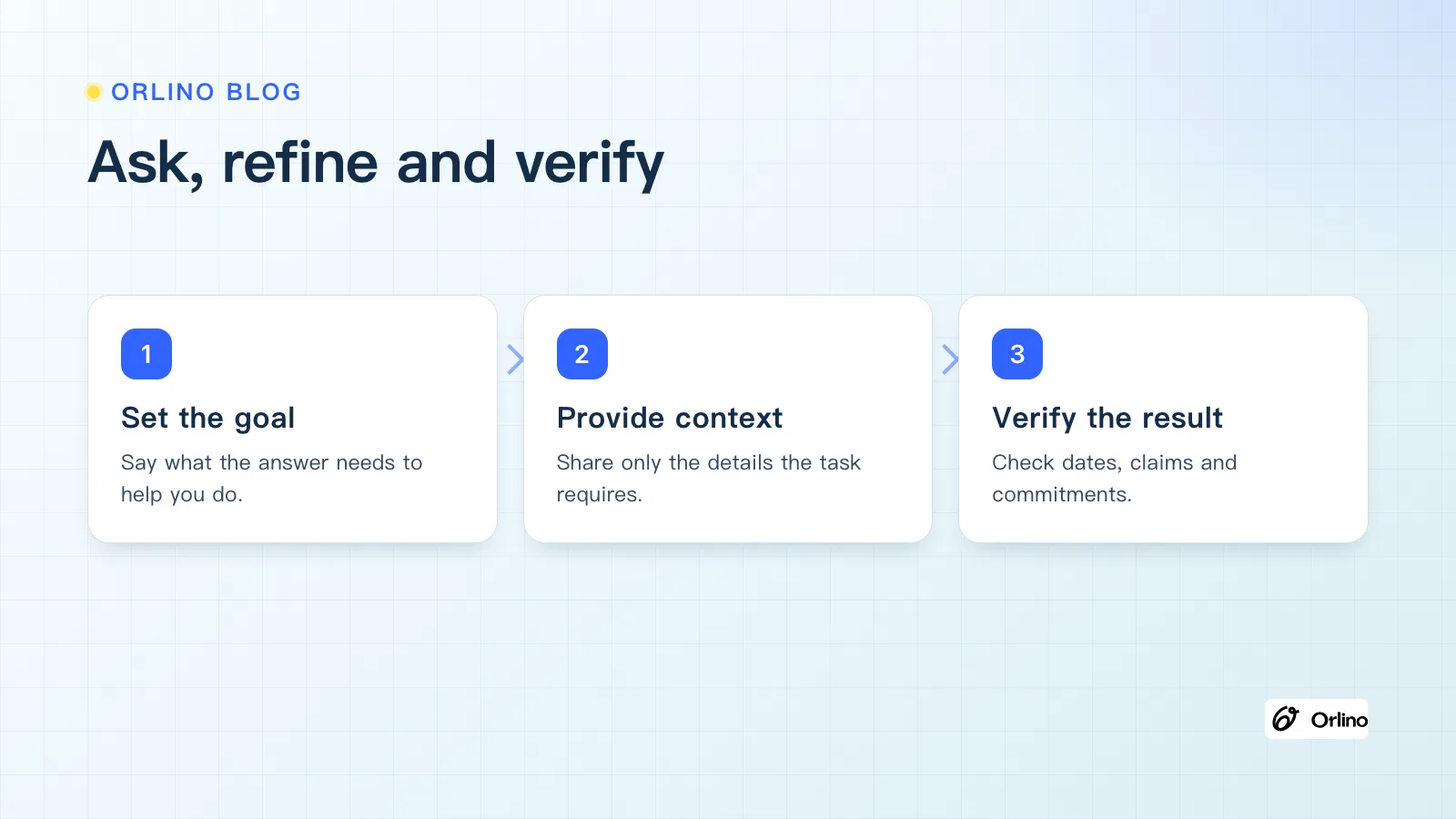
Follow up on the part that missed
When the response seems almost right, point to a specific issue. Instead of telling the tool to “try again,” ask it to keep the first paragraph and shorten the closing request. If it uses the wrong tone, quote the sentence and explain the effect you want. “Make this line warmer without implying I agree to the proposed date” gives it both a direction and a boundary.
Use feedback as a conversation. Ask it to list the facts it relied on, then correct anything that was misread. If the assistant brings up additional research, tell it which source types would be acceptable and ask for direct references if search is available in your product. Open the links yourself. Check that the cited text actually supports the claim and that the date matches the decision you are making.
When a response mixes a good draft with wrong details, salvage the portion that works. Copy the approved wording into a clean document, fix the facts separately, and ask for one final pass on readability. This preserves your edits. It gives you an answer you can review without trying to remember which version contained which mistake.
Match the question to the stakes
For low-stakes work, such as brainstorming a dinner theme, a quick question and a light review may be enough. For work that affects people, budgets, or customer commitments, bring the source material and ask for a clear list of open questions. Avoid including private data you do not need. A decision with consequences deserves a human owner who can check the facts and explain the final choice.
Before sending a message the tool helped write, read it aloud. Look for confident language that you would not say, friendly wording that weakens the request, and commitments that no one approved. Before acting on a recommendation, summarize its assumptions in your own words. If you cannot identify what would change the recommendation, ask one more question.
Orlino AI Chat offers a conversational starting point for explanations, decisions, and rewrites. Try the structure above with one real task. Keep the useful answer and update one prompt line if the first result misses your audience or purpose. If you expect to use several follow-ups or upload a file, compare AI chat tools and their usage limits before starting a long session.
Three follow-ups that improve an almost useful answer
First, ask the assistant to show you the part of its answer that depends on a guess. Use a concrete scope. “Which sentence in your draft assumes something about the organizer that I never stated?” is easier to answer than “What are all your assumptions?” This can surface the missing piece without restarting a useful draft.
Second, ask for a small variation and name what it should preserve. Imagine the draft correctly asks your neighbor to lower the volume but closes with an unrealistic deadline. Try “Keep the request and the first two sentences. Replace the deadline with a specific question about what time works for them.” The result is easier to review because you know exactly where to look.
Third, ask for an alternative interpretation when the wording is ambiguous. If you are reading a confusing notice, say “Give me two plausible ways to read this sentence, and identify the words that support each.” Follow up with the original source or a person who can clarify. The AI can help surface the ambiguity, and you can resolve it based on evidence.
For a recurring assignment, save the best prompt with one sentence about when to use it. Keep variable facts, such as names and deadlines, in brackets. When you reuse the prompt, update those variables and check that the audience and outcome still match. A prompt from a complaint to a retailer may need significant changes before it can serve as a note to a colleague.
Frequently asked questions
Do I need to write a long prompt?
Useful context matters more than length. A sentence for the goal, a few facts, and one instruction about the output often provide enough direction.
What if I do not know how to describe my problem?
Explain what you tried and where you got stuck. Ask the assistant for two clarifying questions before it suggests a solution.
How do I know whether a claim is true?
Find a reliable source for each claim that changes the decision. Treat assumptions and example figures as prompts for checking, and verify external links and quotes yourself.
Keep reading
What Is an AI Chatbot? Everyday Uses and Examples
Learn what an AI chatbot does, how it differs from a scripted bot, and when to use one for explanations, drafting, and everyday planning.
Read article AI ChatAI Chat Tools Compared by Sign-Up and Message Limits
Compare AI chat tools by message limits, reset windows, attachment caps, and what you can do before and after signing in.
Read article