


AI story generator comparison: start with the first scene
A AI story generator can supply ideas quickly. Choosing one gets more interesting after the first response, when you want to keep a character's voice, rewrite an ending, or turn a single scene into a longer piece. Look at how the tool handles those actions, including whether it gives you enough capacity to finish.
Canva describes its story generator as using Magic Write. Its story-generator page mentions a limited starter allocation and a per-generation output limit. Toolbaz describes a browser story generator with options to copy the result or generate another version. Orlino AI Story Generator takes a prompt as the starting point for a story. These descriptions establish starting points. Check the current interfaces with the same story brief before choosing a tool for longer or ongoing work. (Toolbaz story generator) (Canva story generator and output details)
The comparison below follows what a reader needs from the result. A complete 350-word bedtime story can be more useful than 800 words that stop in the middle of the ending. A short draft that you can edit in place may suit a writer better than a larger block of text that requires starting over to fix one line.
Build a brief every candidate can understand
Choose one set of constraints and use the same text in each tool. Give it a main character, a concrete problem, target audience, and length. Keep the opening premise small. A ten-page world guide can overwhelm a short-output tool and make the comparison mostly about what it managed to read.
Example brief. Write a 450-word story for readers aged nine to eleven. A child hears a ticking sound in an abandoned greenhouse and finds a small timer attached to a plant mister. Keep the tone curious rather than frightening. End with the child deciding whether to repair the mister or ask the caretaker for help. Use three named characters at most.
Record the first answer without editing it. Count its words in your own editor. Note whether it completed the requested decision and stayed within the tone. Read the last paragraph by itself. If it stops in the middle of an action, use the editor's available continuation method and record whether you needed another credit, a new prompt, or a different interface. For a continuation test that checks more than length, build a short character brief and plot outline and see whether the next scene preserves what each character knows.
Test length, pacing, and continuation
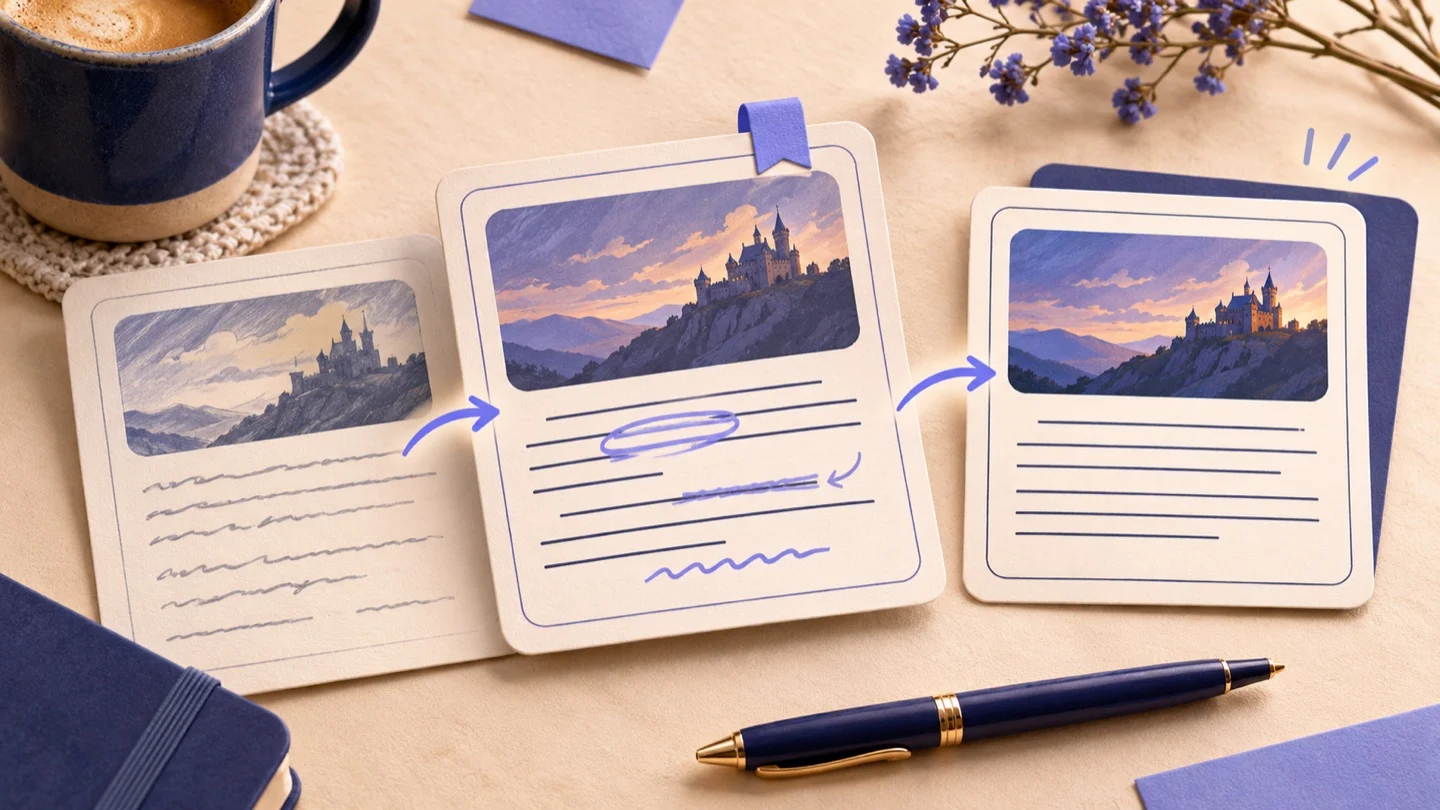
A target length is only one part of the experience. Some tools produce a short answer because of per-output limits. Others truncate at the end or summarize the final scene. Compare the structure and whether the story has an opening, a change, and a recognizable finish.
Try asking for one additional scene while preserving the first. A workable continuation can pick up at the last line without repeating the entire premise. Note whether the model retains character names, pronouns, location, and what each person knows. A long story quickly becomes harder to manage when every new section reintroduces the cast or changes who did what.
If the app keeps a conversation, see whether it can refer to a specific earlier line. If it generates from a form, try passing the last accepted paragraph and a short recap in the input. Both approaches can work when the instructions are clear. The question for your comparison is how much prep and cleanup each one needs.
Test editing controls with one targeted change
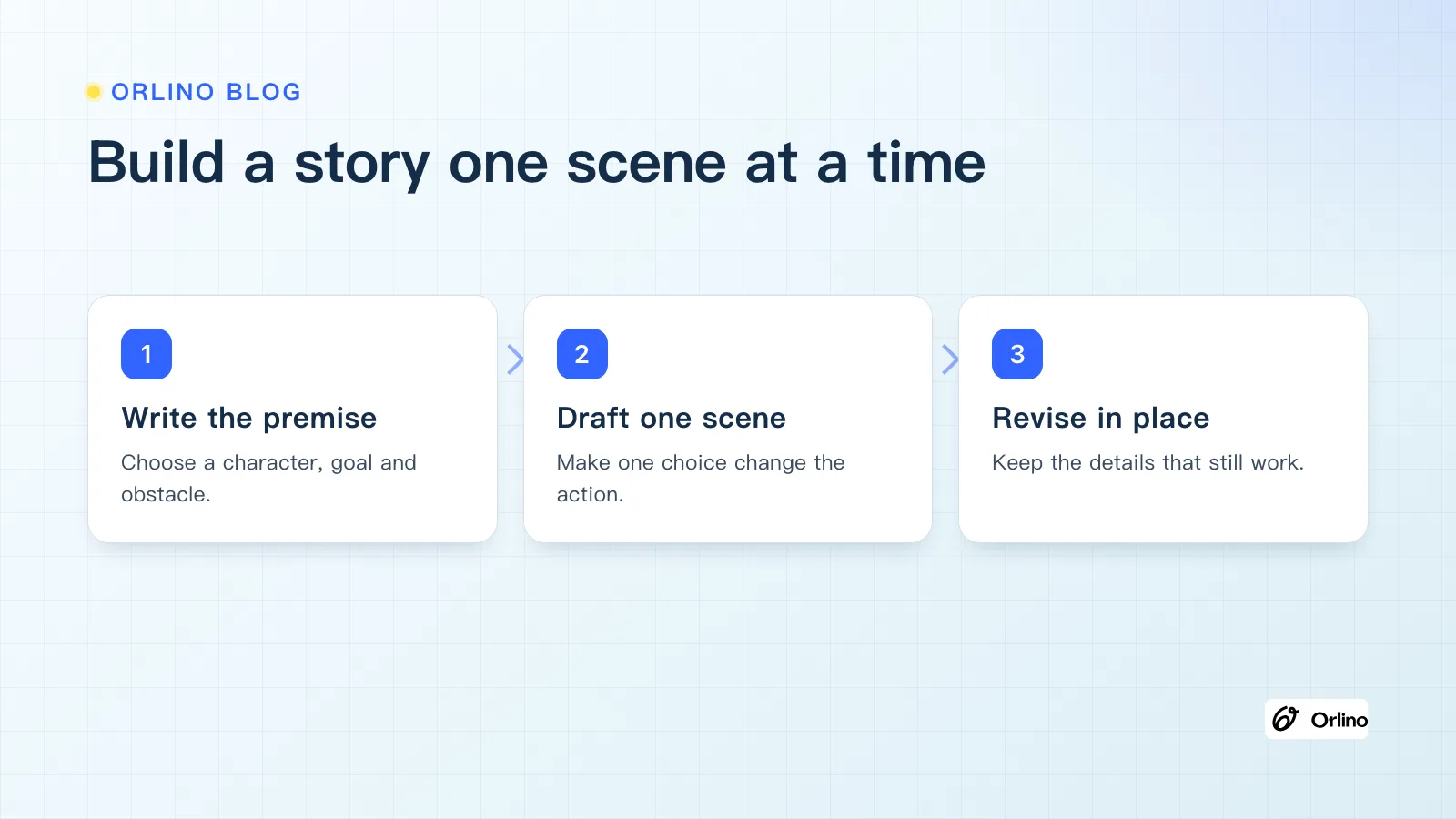
Choose a revision with a clear success condition. Ask the tool to replace the last paragraph so the child asks the caretaker for help, while preserving the characters, timer, and tone. Save the revision separately and compare it to the original. Does the tool revise only what you asked? Can you keep the opening? Do you have to manually combine the versions?
Check whether you can edit a passage directly, request a rewrite in context, or only regenerate the entire story. Direct editing can be useful when your own wording is already close. Regeneration can be useful when you want alternate approaches. For a classroom or workshop, it may be enough to copy the result into a document where students can revise it in a familiar editor.
Look at the exported or copied text. A story with clear paragraphs and quotations is easier to revise. If formatting disappears, see how much time it takes to clean up. For a writer producing multiple scenes, that repeat work can matter more than a few extra generations before upgrading.
Decide which starter offer supports the project
Record the number of attempts you used, including any continuations and revisions. Check what the provider says about starter usage and verify what happened in your account. If your first story used one attempt and the ending needed three corrections, that entire sequence is the cost of getting a complete draft. Include it when comparing offers.
For a bedtime story or quick idea, pick the workflow that gives you a finished piece in a small number of steps. For a longer draft, prioritize control over scenes, easy copying, and predictable access. Represent a personal or classroom story in a way that fits your context. Replace sensitive names, and make the role of AI clear wherever your instructor, organizer, or publisher requires it.
Use a one-page scorecard for the decision. Record first-output length, completed ending, continuity after one follow-up, targeted revision behavior, and whether the final text was easy to save. Add a note if the starter allowance changed how you could complete the test.
Compare a classroom draft and a longer home project
Imagine a teacher wants an example for one lesson on endings, while a hobby writer wants to build a five-scene mystery over several evenings. Their first prompts may look similar. Their tool requirements will diverge as soon as they try to continue and revise. Design each test around the work the reader will really do.
For the lesson, choose one simple prompt without private student information. Generate a draft and copy it into the format you use in class. Ask the tool to write an alternative ending that makes the character take a different action without changing names. If you can retrieve both versions quickly, the class has a usable exercise even if the provider's output limits would be inconvenient for a long project.
For the mystery, prepare a one-page outline. Generate the first scene and save it outside the chatbot. Before asking for the second scene, create a short ledger of the clues, established facts, and questions that remain open. Feed only the relevant items into the next prompt. Check whether the new scene contradicts the clues you already approved. Repeat once across a new session to see whether you can recover after closing the browser.
A workflow that gives you multiple static drafts can be fine for the classroom, where side-by-side examples help explain revision. A larger project benefits from easy passage-level edits or reliable copying because the author needs to make changes without losing previous work. Judge each outcome on what you can take away and keep, not how many words first appear on the screen.
Document the entry-plan result as you observed it. For example, “One 380-word draft and one ending rewrite, both copied into a document.” Put the date and account type in your notes. Leave an unknown blank when the official help and product screen give no clear answer. If the project becomes more demanding, use your first test to decide which feature to check next rather than running the entire comparison again. If you plan to draft a story from a real memory, see how to separate remembered facts from fictional details before pasting a personal account into any tool.
Check what survives a full rewrite
Some editors make rewriting feel easy by offering a single button. Run a rewrite on the middle paragraph and compare it line by line with your accepted premise. If the tool removes an important clue while improving the prose, keep the first paragraph and borrow only the phrasing you need. Note how many clicks it takes to recover the previous version. A workflow with a history or straightforward copying can make this test easier, especially when several people are reviewing the same story at different times.
Frequently asked questions
Can a story generator write an entire book?
Some systems can help you write across several sections. A longer project still needs planning, continuity notes, revision, and whatever access is necessary to complete the workflow.
What should I do if the ending gets cut off?
Save the usable portion. Provide the last accepted line and a short summary, then ask for an ending that picks up from that point.
Can I use the story for a class?
Check your instructor's AI rules. A generated example can support a discussion about revision or story structure when its use is allowed and disclosed.
Keep reading
Turn a Family Memory Into a Short Story With AI
Ai story generator · Turn a family memory into a short story with a repeatable AI writing workflow that preserves real details, privacy, and voice.
Read article AI Story GeneratorUse an AI Story Writer to Develop Characters and Plot
Build stronger characters and plot with an AI story writer by defining goals, testing scene choices, and revising one beat at a time.
Read article