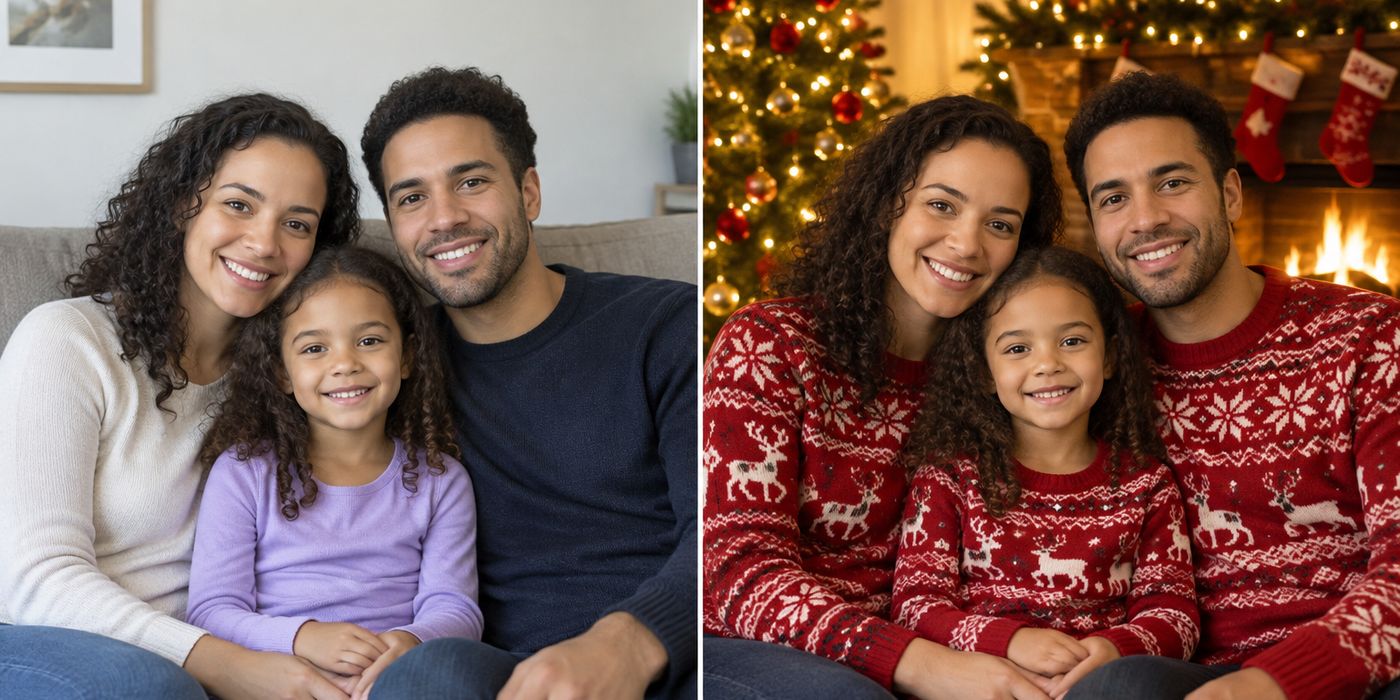
A family photo, by the fireplace
Put my family in front of a fireplace with a decorated Christmas tree and warm lights, in matching Christmas sweaters. Keep our faces, hair and poses.


YOUR PHOTO, READY FOR THE HOLIDAYS
Upload a photo of yourself, your family or your pet, pick a Christmas scene, and say what must stay the same. Orlino makes the festive version.
SAME FACES. A FESTIVE NEW SCENE.
Try one to load its request, then upload your own photo.
Put my family in front of a fireplace with a decorated Christmas tree and warm lights, in matching Christmas sweaters. Keep our faces, hair and poses.
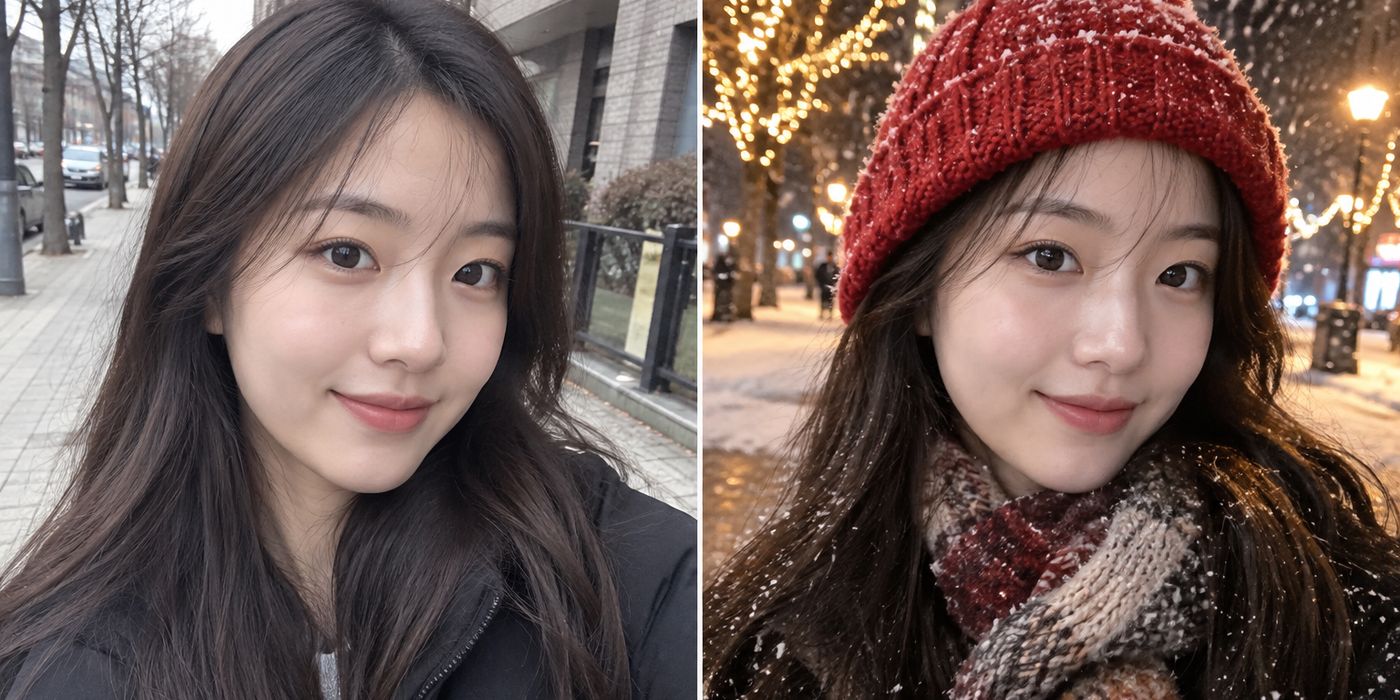
Turn my selfie into a snowy Christmas night: falling snow, string lights along the street and a red knit hat. Keep my face, hair and expression.
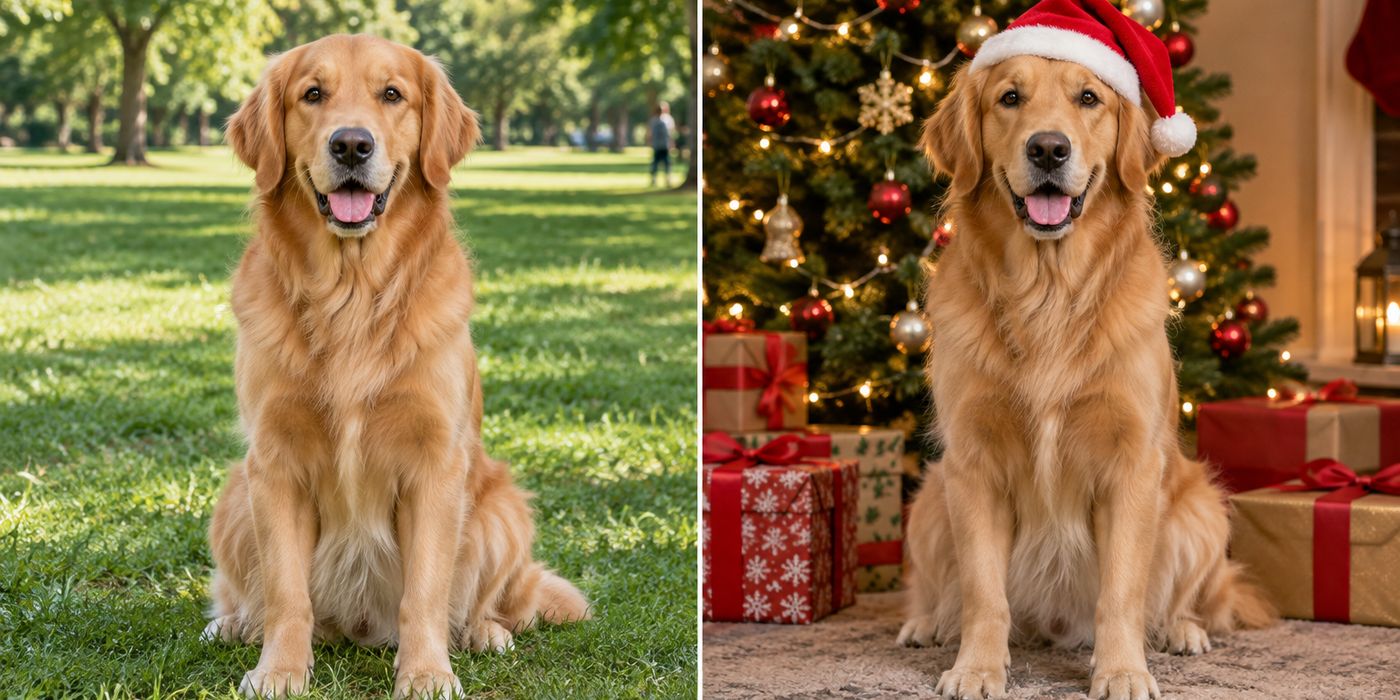
Put my dog next to a Christmas tree and wrapped presents, wearing a small Santa hat. Keep its face, fur color and markings.
EIGHT FESTIVE STARTING POINTS
Each scene fills in a request you can change.
Put us by a crackling fireplace with soft blankets, hot cocoa and warm light. Keep our faces and expressions.
Put me outside a snowy forest cabin with soft winter daylight and pine trees. Keep my face, hair and expression.
Put me on a city street at night decorated with Christmas lights, with a soft blurred background. Keep my face and expression.
Add a friendly Santa sitting next to my child in a cozy Christmas cabin, as if they are chatting. Keep my child's face and expression.
Make this a Christmas family portrait: matching plaid pajamas in front of the tree. Keep every face, hairstyle and who stands where.
Make a first-Christmas photo of my baby: a tiny Santa hat, a soft blanket and gentle light. Keep the baby's face exactly as it is.
Put a small Santa hat on my pet and add wrapped presents and soft Christmas lights around it. Keep its face, fur and markings.
Turn this into a 1950s Christmas postcard: warm film colors, soft grain and a festive living room. Keep our faces.
WHAT PEOPLE MAKE
Everyone looked great at Sunday lunch, but nobody was wearing red. Upload that photo, pick Family portrait or Cozy fireplace, and keep every face as it is.
Add a Santa hat and a few presents to your dog or cat. Say what must stay, like the fur color and markings, so it still looks like your pet.
Turn a simple photo into a first-Christmas picture with a tiny hat and soft light. Compare the face with the original before you share it with family.
Put your selfie on a snowy street or under city lights for December. Ask for a lighter touch if the first result changes too much.
THREE SMALL STEPS
Choose one clear photo: JPG, PNG or WebP, up to 10 MB. Faces work best when they are well lit and not too small.
Choose a Christmas scene or a quick edit, or describe your own. Say what must stay the same, like your face and expression.
Continue with Google, GitHub, Apple, phone or email on this page. Orlino opens in your browser with your photo and request, and makes the Christmas version.
A FEW THINGS WORTH KNOWING
Upload your photo, pick a Christmas scene or write what you want, and click Make it Christmas. After you sign in, Orlino opens in your browser with your photo and request and makes the festive version.
Write what must stay the same, like your face and expression; it is filled in for you. AI can still redraw small details, so compare the result with your original before you share it.
Yes. Upload one photo with everyone in it and ask Orlino to keep every face and who stands where. The more people in the photo, the more closely you should check each face.
Use the quick edits Add a Santa hat or Christmas-tree background, or describe your own change, like snow outside the window. It works like a Christmas filter, except you decide what changes and what stays.
One JPG, PNG or WebP file, up to 10 MB. Use a photo you have permission to edit, and ask before you edit photos of other people.
Orlino uploads your photo and attaches it to your request in the web app. We keep the temporary copy used for this transfer for up to 30 minutes. Only the Orlino account that opens the request can access this copy, and only from the browser where you started.
Yes. Save your Christmas photo from Orlino and put it on a card, or design the whole card and its message with the AI Christmas Card Maker.
Yes. New accounts get free credits, so you can make your Christmas photos for free. See Pricing for plans.
CHRISTMAS TOOLS

Design a Christmas card and its message together, for family, friends, coworkers or clients.

Make a Christmas PowerPoint for the office party, the classroom or the family slideshow.
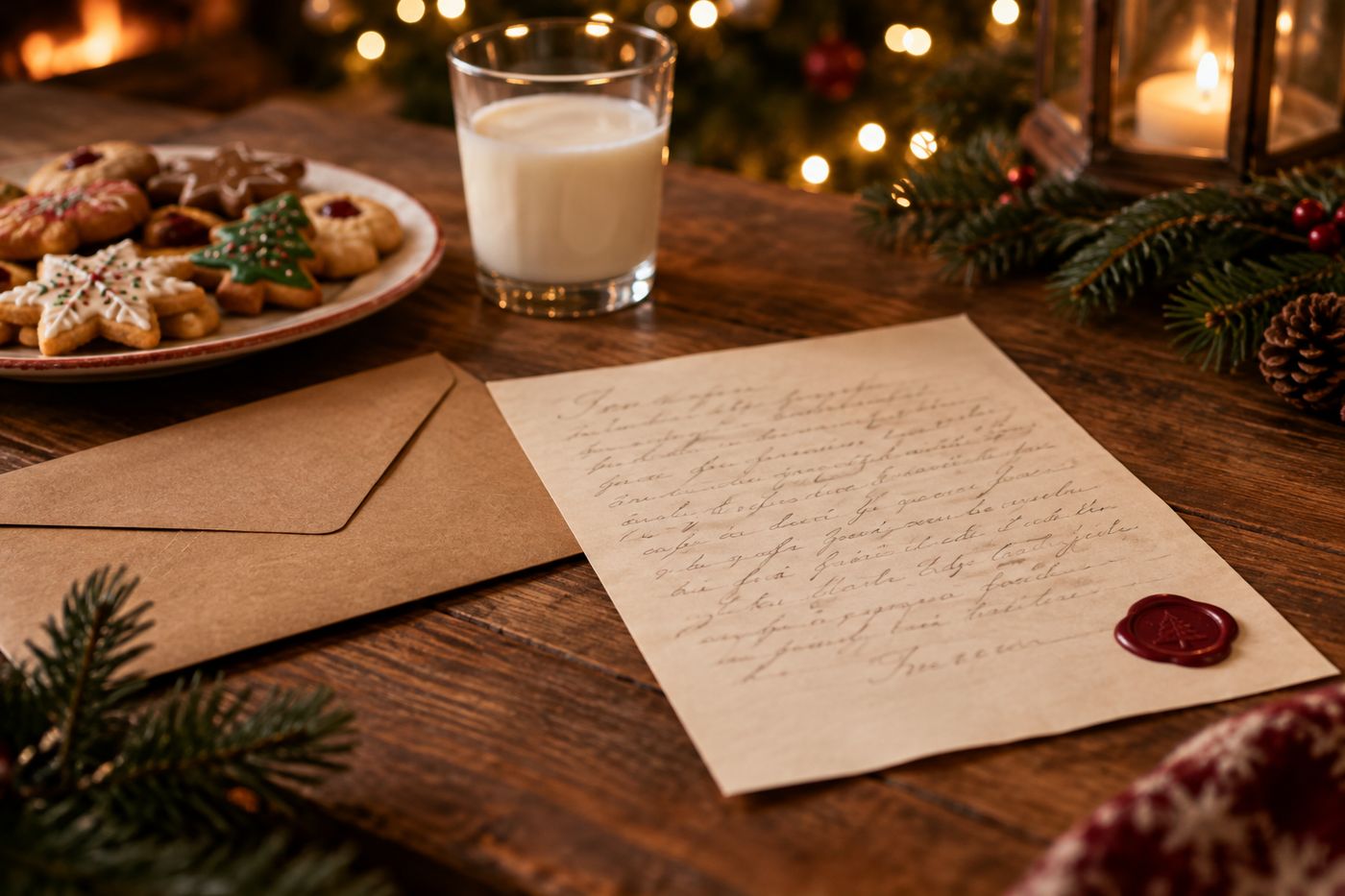
Write a letter from Santa, a family year-in-review or a holiday note to clients and the team.