


What an invoice is, and how it differs from a quote and a receipt
An invoice is a request for payment. You send it after you deliver goods or finish a service, and it tells the customer exactly what they owe, by when, and how to pay.
It is easy to mix up three documents that look alike. A quote comes before the work and can still change. An invoice comes after the work and asks for money. A receipt comes after payment and confirms it.
| Document | When you send it | What it says |
|---|---|---|
| Quote or estimate | Before the work starts | What the work is likely to cost |
| Invoice | After you deliver | What the customer owes and when |
| Receipt | After you are paid | That the payment arrived |
What to include on every invoice
Most invoices carry the same core details. Missing one of them is the most common reason a payment is delayed, because the customer has to come back with a question.
Exact rules depend on where you trade. GOV.UK, for example, lists what UK invoices must include, and VAT invoices need more. If you charge sales tax or VAT, check your local tax authority’s guidance before you rely on a template.
Sources: GOV.UK: Invoices, what they must include
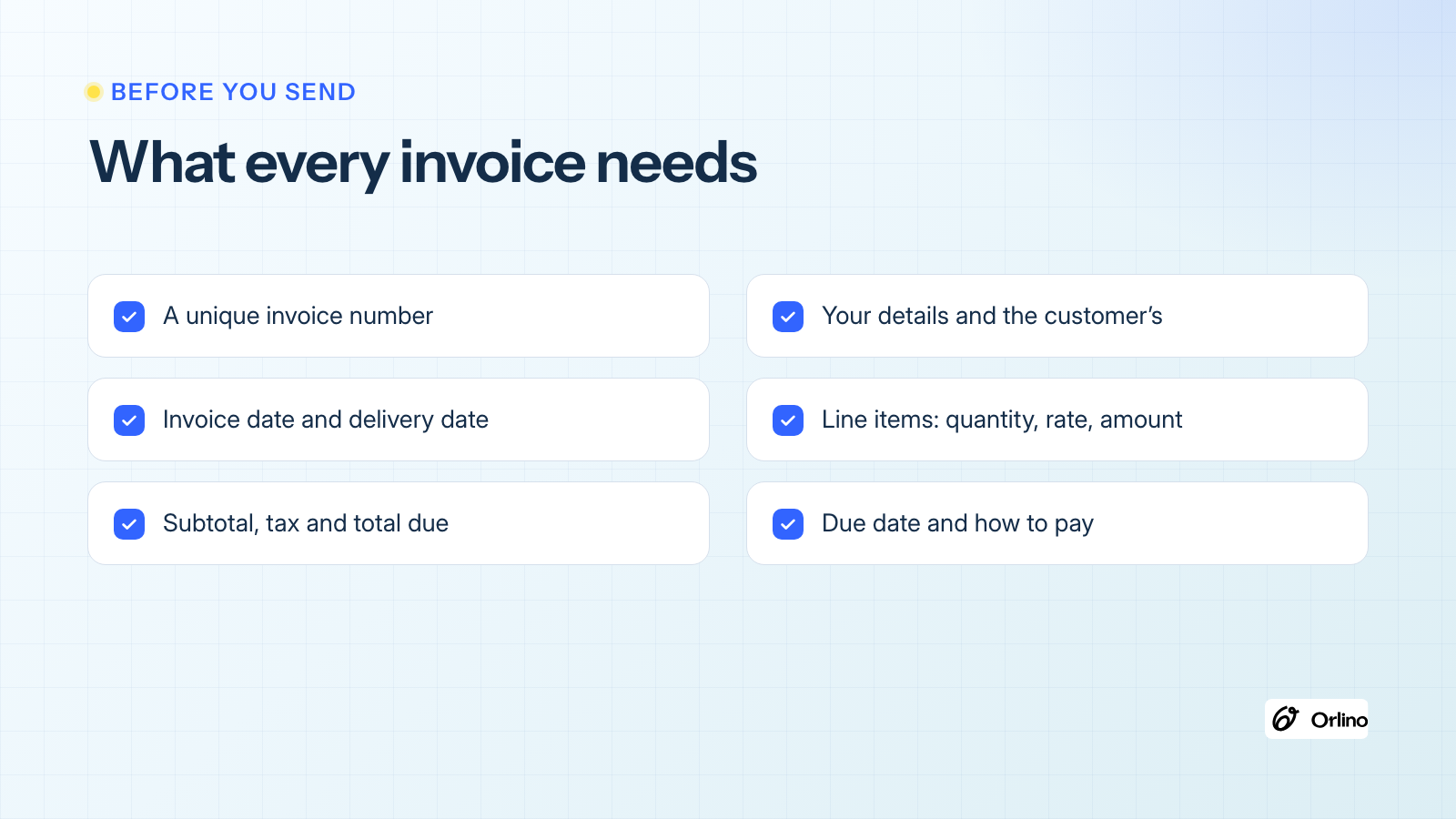
- A unique invoice number
- Your business name, address and contact details
- The customer’s name and address
- The invoice date and the date you delivered the goods or service
- A clear description of each item, with quantity, rate and amount
- Subtotal, any tax that applies, and the total amount owed
- Payment terms, the due date and how to pay
How to write an invoice in seven steps
Work through the invoice in the same order every time. A fixed order makes it harder to forget a field and easier for the customer to find what they need.
- Put your business name and contact details at the top.
- Add the customer’s name, address and, if they gave you one, their purchase order number.
- Give the invoice its number and the invoice date.
- List each item or service on its own line with quantity, rate and amount.
- Add the subtotal, any tax that applies and the total due.
- Write the payment terms, the exact due date and the ways to pay.
- Check every figure, save a copy, then send it as a file the customer can open.
Invoice numbers, due dates and payment terms
Use one numbering pattern and never reuse a number, for example INV-2026-001, INV-2026-002. Sequential numbers make it easy for you and your customer to match a payment to the right invoice.
Terms such as Net 30 mean payment is due 30 days after the invoice date. Write the actual date next to the term as well, because a date leaves less room for doubt than a count of days.
If you agreed on a deposit, a late fee or staged payments, put that agreement on the invoice in the same words you used when you agreed it. Do not add a fee the customer never accepted.
Draft an invoice with Orlino
Orlino can write, edit and organize documents and spreadsheets, so you can hand it your notes and ask for an invoice draft instead of filling in a template field by field.
Give it the same facts you would type yourself: your details, the customer, each item with quantity and rate, the tax rule you use, and your payment terms. Ask for the format your customer expects. In one sample run, a single request returned Word, Excel, PowerPoint and PDF files.
Treat the result as a draft. Before you send it, check the invoice arithmetic line by line and compare the total with your own records.
Common invoice mistakes to avoid
Most late payments trace back to a few avoidable slips. Check for these before every invoice goes out.
- Reusing or skipping invoice numbers
- A vague description such as “services” instead of what was delivered
- No due date, or only “Net 30” with no date
- Totals that do not add up after a last-minute change
- Sending to a general inbox instead of the person who approves payments
Frequently asked questions
What is the difference between an invoice and a receipt?
An invoice asks for payment after you deliver. A receipt confirms that payment has arrived.
Do invoices need a number?
Yes. A unique number lets you and the customer match each payment to the right invoice, and many tax rules require one.
What does Net 30 mean on an invoice?
It means payment is due 30 days after the invoice date. Write the actual due date as well so there is no doubt.
Can I write an invoice in Word or Excel?
Yes. A clear table with the required details works in either. Orlino can draft one for you; check every line and total before you send it.
Sources
Provider information is separate from Orlino account access and plan terms.