


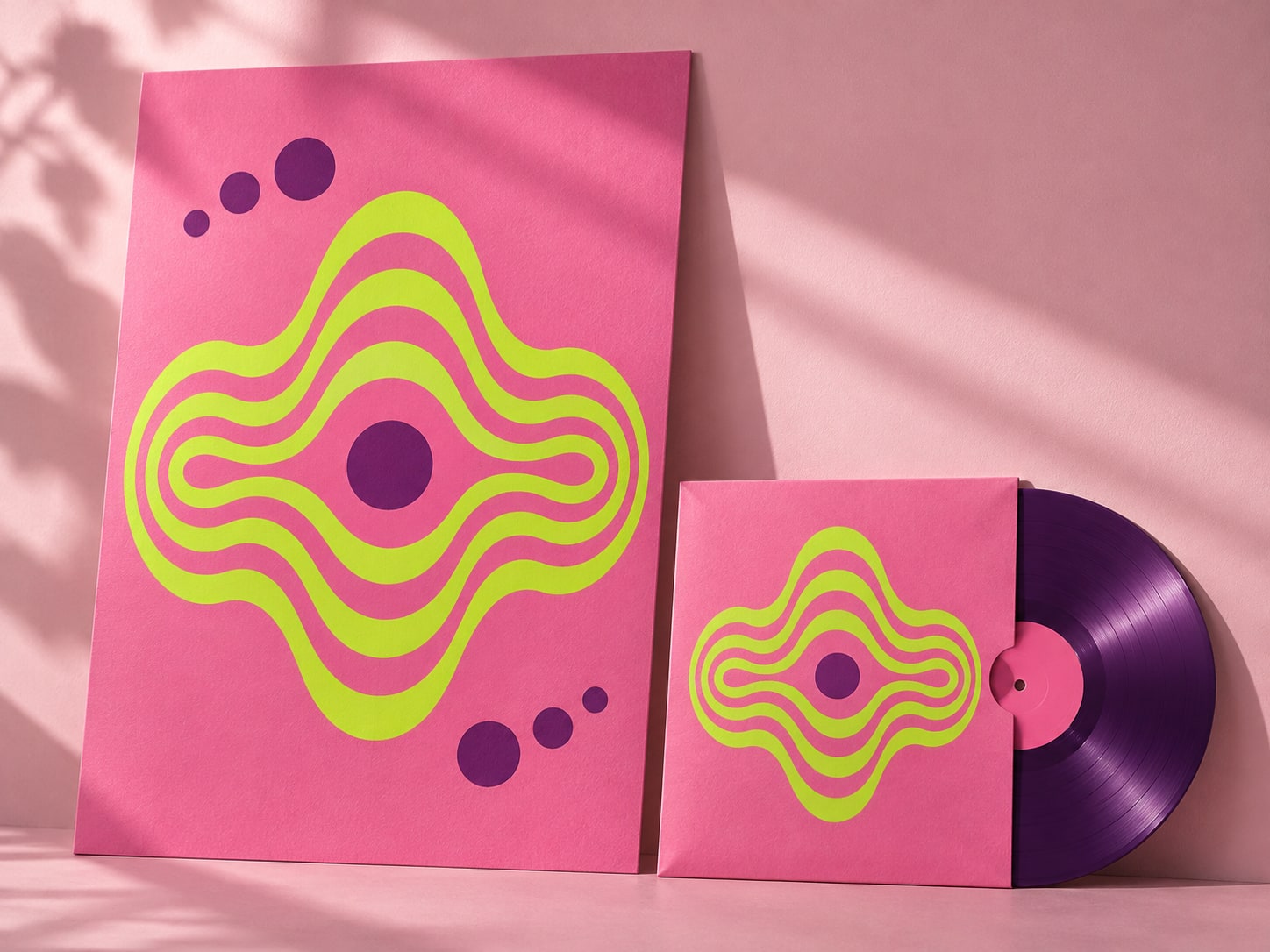

Visual example
AI images & visual design
Describe the subject, composition and style for your next visual. Explore the image examples, then adapt a prompt to your own creative brief.
Explore images & design ↗


Bring your next idea to Orlino.
Get the Orlino app See available versions for your device. Explore featuresNo examples in this category yet.
Explore another function, or start with your own brief.Explore example previews. Download Orlino to start your own task.
Pick something to explore. Start with your own words.
Your AI personal agent for work and everyday life.
Explore what Orlino helps you make, understand and get done.
Documents
Turn project notes into documents, spreadsheets, presentations and a PDF. Review and refine the work together.
Explore writing & documents ↗Spreadsheets & data analysis
Ask a specific question about your data. Check formulas, compare planned versus actual results and inspect the chart beside the numbers.
Explore spreadsheets & analysis ↗Presentations
Turn your project notes into a presentation. Shape the structure, review the slides and refine the story with follow-up instructions.
Explore presentation examples ↗Websites & landing pages
Describe a small-business website, landing page or portfolio. Preview the desktop and mobile layouts, then explain your next change in the same task.
Explore website examples ↗Apps, tools & integrations
Bring selected files and authorized app context into your task. Prepare a meeting brief with the project notes and calendar information you choose to share.
Explore integrations & connectors ↗Choose the connections you want to authorize. Available actions depend on the app and the permissions you grant.
 Gmail
 Google Drive
 Google Calendar
 Notion
 GitHub
 Lark
 Linear
AI models
Explore GPT, Claude, DeepSeek, Kimi and Qwen. Choose an available model while keeping your task context. Check your account for current versions and usage limits.
Explore AI models ↗Explore a visual idea, plan a video or bring order to your files.
Visual example
Describe the subject, composition and style for your next visual. Explore the image examples, then adapt a prompt to your own creative brief.
Explore images & design ↗Video example
Browse video examples for a starting point. Use a sample prompt to explain the scene, movement and mood you want to explore in your own task.
Browse video examples ↗Illustrative file plan
Explore ways to organize large files, duplicates and old downloads. Define the folders and rules you want to use, then review proposed changes before taking action.
Explore file-organizing examples ↗Choose a prompt for creative work, team operations, a small business or everyday life. Add your own files and requirements.
Give your team a clear summary of decisions, owners and what happens next.
documents · meetingsSummarize these meeting notes into decisions, action items and open questions. Include owners and deadlines only where the notes specify them.
Understand what changed, how the numbers add up and what needs a closer look.
spreadsheets · analysisReview this spreadsheet for my monthly update. Highlight the main changes, show the supporting calculations and flag missing data.
Bring progress, key numbers and next steps into a presentation your team can follow.
slides · planningTurn this project material into a five-slide update: goals, progress, key numbers, blockers and next steps. Flag details that need clarification.
Give your creative brief a concrete starting point.
images · creative briefsHelp me develop three visual directions for my campaign. Ask about the audience, message and format, then propose a subject, composition, style and image prompt for each.
Outline what visitors need and what they should do next.
websites · portfoliosBuild a portfolio website from my project descriptions. Include an introduction, selected work and contact details. Use placeholders only when clearly marked.
Work out the scenes before you start producing.
video · storyboardsTurn my idea into a 30-second video storyboard. List each scene, the visual action and suggested on-screen text. Keep it practical for the audience and channel I specify.
Organize the trade-offs before making a decision.
research · decisionsHelp me compare these options against my requirements and budget. Build a comparison table, explain the trade-offs and highlight details that need checking.
Make room for priorities, commitments and open questions.
planning · everyday tasksHelp me plan next week from the commitments and tasks I provide. Suggest a realistic order, flag scheduling conflicts and ask about missing deadlines.
Agree on the plan before changing your files.
files · organizationSuggest a folder structure and naming rules for these project files. Show examples and flag possible duplicates. Ask me to review the plan before making changes.
Accounts, permissions and the examples on this page.
Supported connections include apps for email, documents, calendars, knowledge and projects. Sign in and authorize the connections you want to use. The integrations directory and your account show the available options and permissions.
You can open the web app from your browser or visit Downloads for available desktop versions. Tasks involving local files or desktop applications may require the desktop app. Check the requirements for the workflow you want to run.
New users can start with a free trial. The pricing page explains the current trial allowance, expiry and paid plans. Usage is credit based; check your account for model access and task limits.
No. The gallery contains sample previews and prompts to help you choose a starting point. Start your own task in Orlino to create a result from your brief and materials.
Need help with something else? Visit the Support Center →
Start on desktop or continue in your browser.